
SEO Content Writing: How to Write Content That Actually Ranks on Google
Over 90% of Dwi Yanti content published online gets zero traffic from Google. The gap between content that ranks and content that disappears isn’t writing quality — it’s strategy. Here’s what the Marketing Strategy: SEO Content Writing certification Linkedin Learning taught me, applied through the lens of a practicing SEO Specialist.
1. Know Target Audience Before Write a Single Word
Content without audience clarity is guesswork. Before writing anything, need a precise picture of who you’re writing for — and where they are in the decision to buy or engage.
Audience Characteristics to Define
Every piece of SEO content should be anchored by a defined audience. Key dimensions to clarify include age range, gender, level of expertise relevant to we ae product or service, job title or seniority (e.g., are we writing for a CEO or a junior analyst?), company size (self-employed vs. enterprise), motivations, and pain points.
Map to the Buyer Journey Stage
The buyer journey defines how ready your reader is to take action. It runs from awareness through consideration, conversion, post-purchase retention, and loyalty. Each stage calls for a different content approach:
Searcher is learning. They’re asking broad questions. Educational content: guides, explainers.
They’re comparing options. Best-of lists, comparisons, and detailed reviews fit here.
Ready to buy. Transactional pages: product, category, or service pages with clear CTAs.
Existing customers following for updates. Newsletters, release notes, community content.
Rather than trying to cover all five stages at once, pick one or two to focus on per piece. The goal is to write content that meets the reader exactly where they are — and moves them one step forward.
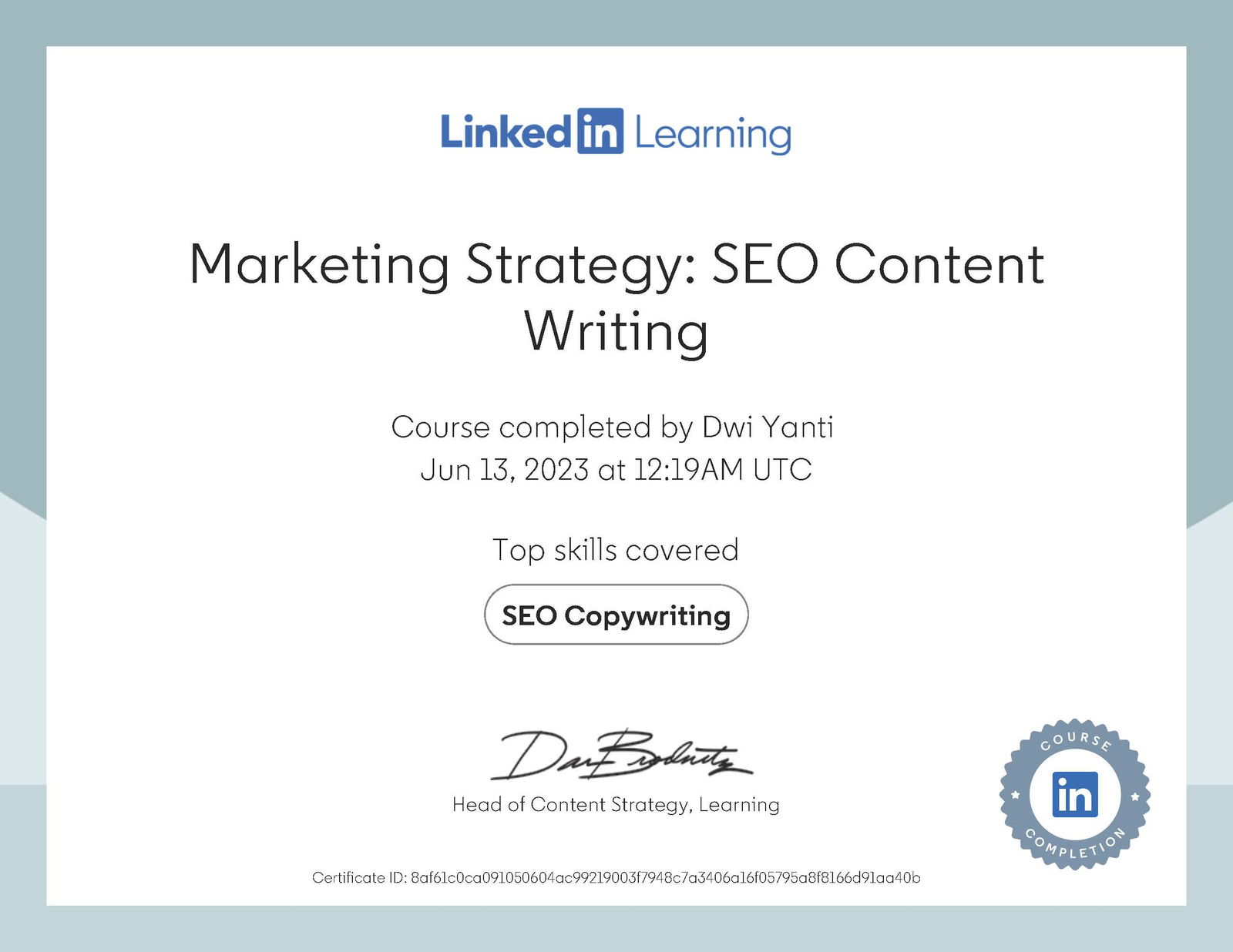
Dwi Yanti Certificate of completion — SEO Content Writing (LinkedIn Learning)
2. Keyword Research: From Broad Terms to Specific Targets
Ranking on page one requires targeting the right keywords — not just any keyword with search volume. The process starts broad and narrows down systematically.
Step-by-Step Keyword Research Process
- Start with a broad seed keyword (e.g., travel backpack). Use a tool like Keywords Everywhere to surface volume data, related keywords, and people-also-searched terms.
- Collect long-tail keyword variations. Add keyword modifiers: guides vs. how-to, synonyms (training / courses / classes), identifiers (online, free, by country).
- Build a list of 10–20 candidates, then tag each as: primary keyword, variation/synonym, or content block keyword.
- Split keywords with very different intent or high individual volume into separate pages. One page = one focused topic cluster.
- Avoid keywords with extremely high search volume early on — they carry intense competition and vague intent.
Keywords with zero search volume can still serve as supporting or semantic keywords — just don’t use them as your primary targets. They strengthen topical depth without diluting focus.
Keyword research is the foundation of every service I offer — from SEO audits to full SEO strategy development. Understanding the keyword landscape before writing is non-negotiable.
3. Understanding User Intent — The Hidden Ranking Signal
User intent is what Google actually tries to match when someone types a query. You can have the best-optimized page, but if it answers the wrong intent, it won’t rank. There are four types:
| Intent Type | What They Want | Example Modifiers | Example Query |
|---|---|---|---|
| Informational | Knowledge, answers, guides | what, why, how, list | how to choose a travel backpack |
| Commercial | Comparison, evaluation | best, compare, review, top | best travel backpack for women |
| Transactional | Ready to take action | buy, cheap, download, get | buy travel backpack online |
| Local | Nearby service or product | near me, city, country | travel backpack shop Jakarta |
Three Ways to Identify User Intent
1. Read the modifiers. Query modifiers (how, best, buy, near me) are reliable signals of intent type.
2. Check the SERP. If results are all blog posts, Google sees the query as informational. If they’re mostly product pages, it’s transactional. The search results page tells you what Google has already validated.
3. Analyze grammar and phrasing. Subtle shifts in word form change intent entirely — “playing guitar” vs. “how to play guitar” signals different stages of the journey.
4. Choosing the Right Content Type
Not every content format can rank for every query. The right format depends on intent, buyer stage, and keyword signal — combined.
Best for informational and commercial intent. Awareness and consideration stages.
Ideal for commercial intent. Helps searchers in the consideration stage make decisions.
Targets transactional intent. Conversion-stage searchers ready to act.
Sales or lead generation. Works for transactional and local intent.
Geo-targeted content. Matches local intent queries with city or region specificity.
Answers specific questions. Post-purchase stage, supports retention and loyalty.
When search results show mixed content types (articles alongside category pages, for example), start with what’s easiest to produce for your situation, then expand. Reality always beats theory — check what’s already ranking before committing to a format.
This is a core part of how I approach technical SEO strategy: aligning content type to intent before any optimization begins.
5. Structuring Content with Blocks and Headings
People don’t read every word — they scan. Your job as an SEO content writer is to make it effortless for readers (and Google) to understand your page structure at a glance.
Content Blocks = Keyword Clusters + Structure
A content block is a chunk of your page that addresses a specific sub-topic. Each block is introduced by a heading that includes a keyword. To identify your blocks:
- Group your keyword list into primary keyword (H1 topic), variations (H1 synonyms), and subtopic keywords (H2/H3 blocks).
- Check Google’s People Also Ask for the primary keyword — these questions become natural H2/H3 candidates.
- Draft an outline: one H1, multiple H2s for main sections, H3s for subsections within each.
The Heading Hierarchy Rule
There should be exactly one H1 per page — the page’s main topic. H2s introduce major content sections. H3s break those sections into sub-points. From a technical standpoint, this heading structure is critical for crawlability and content parsing. I cover this in depth in my work on improving crawlability and custom WordPress SEO architecture.
The H1 you write and the title tag don’t have to be identical — but they should reflect the same core topic. Title tags are constrained by pixel width; H1s give you more room to be descriptive for readers.
6. Writing Title Tags and Meta Descriptions That Work
Meta tags are how your page introduces itself in search results. They influence whether someone clicks — and in the case of title tags, they influence ranking directly.
Title Tag Formula
- Start with your primary keyword
- Include one or two natural variations or secondary keywords
- Add modifiers (verbs, prepositions, location) so it reads naturally
- Keep it under 60 characters (~600 pixels)
- Add a separator and brand name only if space allows
The goal is a title that’s optimized and compelling. Keyword stuffing reduces click-through rate, which indirectly signals poor quality to Google.
Meta Description Best Practices
Meta descriptions are not a ranking factor — but they drive CTR, and CTR is a behavioral signal Google watches. Write meta descriptions to convert the impression into a click:
- Keep under 200 characters
- Summarize what the reader gets from this specific page
- You can pull language directly from the page copy, or write something unique — just make it accurate and enticing
- Google may rewrite your meta description. Optimize it anyway — a well-written description is more likely to be used as-is
7. Image Optimization for SEO
Images aren’t decorative assets — they’re indexed content. Optimizing them correctly contributes to page ranking and opens a secondary traffic source through Google Image Search.
Three Pillars of Image SEO
File name: Rename every image before uploading. Use descriptive, keyword-rich names separated by hyphens. black-white-cat-tabby-pattern.jpg is correct. IMG_0391.jpg is not.
Alt text: Alt tags describe the image to Google as part of the page’s text content. Write alt text that describes the image in context — how it relates to the page topic. Not just what the object is, but what role it plays.
Compression: Uncompressed images slow down page load speed. Page speed is a ranking factor. Compress all images before upload using tools like imagecompressor.com. Keep quality high while reducing file size.
From a technical standpoint, file naming conventions matter beyond just images — I document this in detail in my technical SEO work, where file names with special characters like # can break URL crawling entirely.
8. Internal Linking Strategy
Internal links do two critical jobs: they help Google discover and understand your site structure, and they keep users engaged by directing them to relevant content. This is one of the highest-leverage SEO tactics available at the content level.
Anchor Text Principles
Anchor text is the visible, clickable text of a link. It tells Google — and the reader — what the linked page is about. Avoid generic anchors like “click here” or “read more.” Use descriptive anchors that contain the target page’s keyword, such as “keyword research methodology” or “technical SEO strategy.”
Two Types of Internal Links to Use
In-text editorial links: Placed manually within the body copy where contextually relevant. These carry more weight because they’re editorially placed, not templated. For every new piece of content, identify at least three existing pages to link to.
Link blocks: Scalable link sections that appear on all pages of a given template (e.g., “Related Posts” at the bottom of every blog post, or “Related Products” on product pages). These are template-level and require development support, but distribute link equity at scale.
Product pages → related products, upsells. Category pages → subcategories, top products. Blog posts → related articles, previous/next, related products. Service pages → case studies, portfolio work, credentials.
Internal linking is central to my approach to site architecture. You can see how it plays out in my no-plugin SEO experiment and in the Develove case study — both demonstrate how strategic linking contributes to fast page-one results.
9. Finishing Touches: Jump Links, Structured Data, and Social Graph
Once the core content is complete, three enhancements improve how your page performs in search and on social media.
Jump Links (Table of Contents)
Jump links create a clickable table of contents at the top of your article. Google can display these as sitelinks in search results, providing additional entry points and increasing visible real estate in the SERP. They also improve on-page navigation and readability — directly supporting engagement signals that Google measures.
Structured Data (Schema Markup)
Structured data communicates explicit information about your page’s content to Google in a machine-readable format. FAQ schema, Article schema, HowTo schema — these can generate rich snippets that stand out in search results. I implement all structured data directly in PHP template files without plugins, applying schemas conditionally per page type. For a deeper look at how this works in production, see my advanced SEO development documentation.
Social Graph (Open Graph / Twitter Cards)
When someone shares your URL on LinkedIn, Twitter, or Facebook, the social graph determines what image, title, and description appear in the preview. Without it, the platform picks whatever it finds — often nothing useful. With proper Open Graph tags, every share becomes a controlled, branded impression.
Frequently Asked Questions
Why does most content fail to get traffic from Google?
Over 90% of content gets no organic traffic because writers skip the SEO fundamentals: keyword alignment, user intent matching, and buyer journey awareness. Without these, even quality writing stays invisible in search results.
What is user intent and why does it matter for SEO content writing?
User intent is what a searcher actually wants when they type a query. The four types — informational, commercial, transactional, local — require different content formats. Writing the wrong content type for a given intent makes ranking nearly impossible, regardless of optimization quality.
How do title tags differ from meta descriptions in SEO impact?
Title tags are a direct ranking factor — they must include your primary keyword. Meta descriptions are not a ranking factor but they influence click-through rate. Both should be written carefully: title tags for ranking signals, meta descriptions for convincing searchers to click.
How many internal links should a new article include?
At minimum, link to three existing pages — typically two related articles and one service or product page. Use descriptive anchor text that reflects the target page’s keyword. Avoid generic anchors like “click here.”
Dwi Yanti SEO Specialist and Technical SEO Strategist Certifications
Technical SEO
Search Engine Optimization (SEO)
SEO Foundation (NASBA)
SEO: Link Building
Keyword Strategy
Advanced SEO Development
Markting Tools SEO
Data Analytics Foundations
Data Analysis for SEO
SEO Data Reporting (SQL)
Server-Side Rendering
Maketing Strategy SEO Content Writing
Marketing Strategy SEO Content Writing
Marketing Copywriting for Social Media
Category: Certifications
COMMENTS