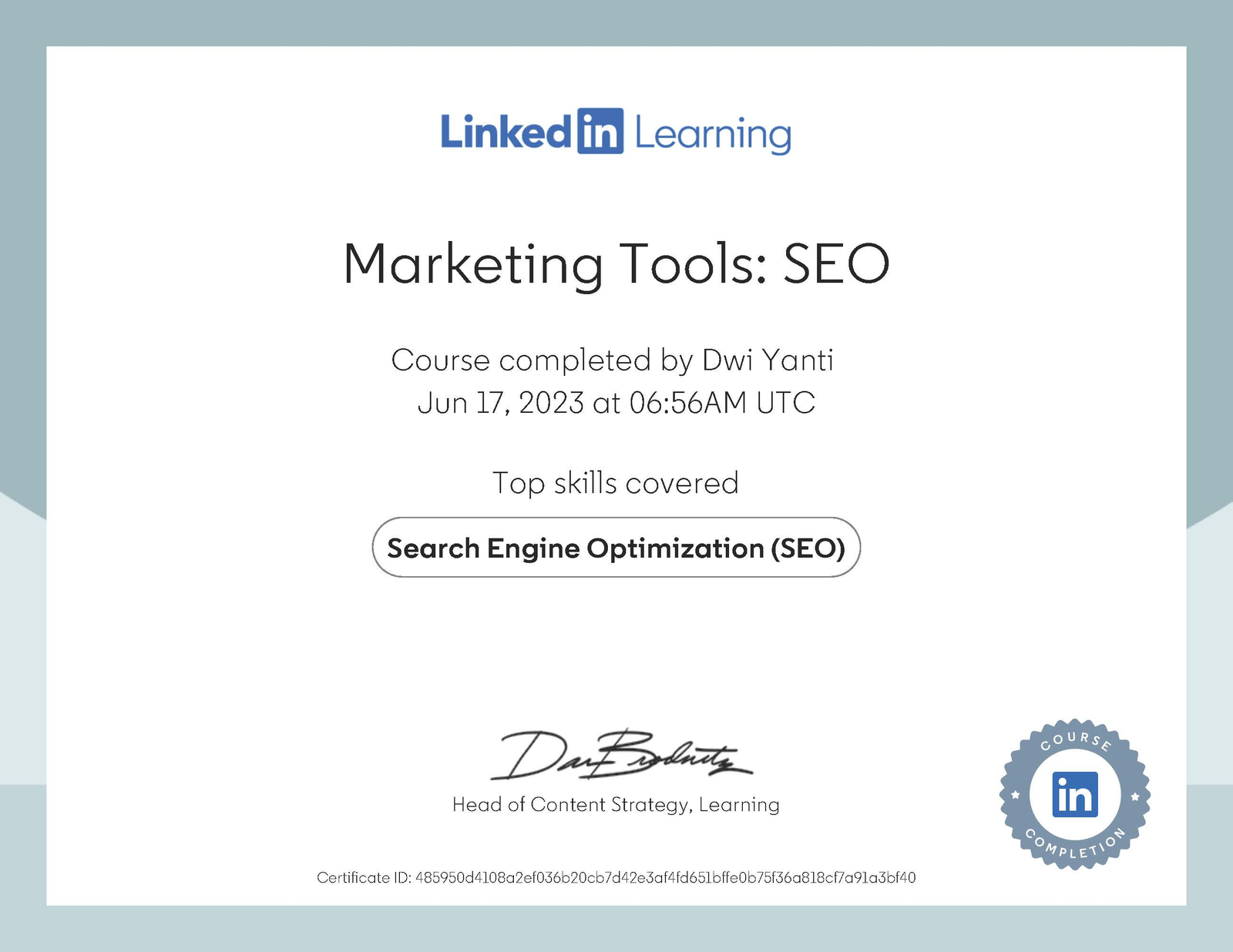
Dwi Yanti — SEO Marketing Tools Certificate: Ranking Search
~2 hours · Intermediate
Instructor: Sam Dey
Platform: LinkedIn Learning
This Dwi Yanti certificate course digital marketing covers the most effective SEO tools available — from keyword discovery and competitor analysis to backlink auditing, speed testing, and conversion split testing. Here's my breakdown of every tool covered, and how each fits into a real SEO workflow.
Marketing Tools: SEOLinkedIn Learning · Completed by Dwi Yanti · SEO Specialist & Technical SEO Strategist
🏅
Dwi Yanti Certificate: Marketing Tools SEO
Section 01
Keyword Research Tools
Keyword research is the foundation of every SEO strategy. This section covers three tools that serve different stages of keyword discovery — from broad volume data to niche long-tail opportunities, to content gap analysis.
Google Keyword Planner
The Google Keyword Planner is the most direct source of keyword volume data because it pulls from Google's own index. It's technically part of Google Ads, so you'll need a free account — but you don't have to run any paid campaigns. For technical SEO strategy, it's especially useful for validating that target keywords actually have search demand before you invest time building pages around them.
Limitation to note: Google Keyword Planner tends to group similar keywords and underreports long-tail variation. For granular long-tail research, you'll need a complementary tool like LongTailPro.
LongTailPro
LongTailPro is a paid tool built specifically for finding low-competition, high-specificity keywords. It assigns each keyword a competitiveness score from 0–100 alongside monthly search volume — the goal is to find keywords with enough volume but a competitiveness score low enough that a newer or mid-authority site can realistically rank on page one.
You can also filter by competition threshold and inspect competing pages directly — seeing their backlinks, age, internal link count, and title tags. This feeds directly into keyword strategy decisions and competitor gap analysis.
Google Keyword Planner
Free
Best for: volume validation, broad keyword discovery. Part of Google Ads but usable without running campaigns.
LongTailPro
Paid
Best for: long-tail keyword identification with competitiveness scores. Includes 7-day trial. Ideal for new sites targeting low-competition terms.
Section 02
Content Idea & Discovery Tools
Once you know your target keywords, the next challenge is knowing what to write. These tools surface what people are actively searching for, what's trending, and what's already performing well in your niche.
Ubersuggest
Neil Patel's Ubersuggest shows content ideas ranked by estimated traffic and social shares — telling you not just what keywords exist, but what specific content formats and topics are already resonating. It's a useful starting point for editorial planning, especially when paired with actual SEO strategy frameworks.
AnswerThePublic
AnswerThePublic visualizes the questions people type into search engines, organized by prepositions and question types (who, what, when, how, why). It's particularly useful for identifying FAQ-worthy subtopics within a page — exactly the kind of content that powers FAQPage structured data and conversational AI search results.
Google Trends & YouTube
Google Trends identifies which topics are rising vs. declining over time — useful for timing content around search demand peaks. YouTube, as the second-largest search engine in the world, is also worth monitoring for trending formats in your niche.
Section 03
Domain Authority & Backlink Tools
Domain authority is a proxy metric for how much Google is likely to trust your site. Backlink tools help you understand where that authority comes from — and where it's being diluted by spammy links.
Moz Link Explorer + MozBar
Moz Link Explorer reveals your inbound link profile: follow vs. nofollow split, linking domain authority distribution, anchor text patterns, and any lost or broken backlinks worth recovering. The free MozBar Chrome extension overlays DA/PA scores directly onto Google search results — letting you quickly gauge how authoritative the sites currently ranking for a keyword actually are.
Ahrefs Backlink Checker
Ahrefs offers a similar backlink analysis surface with slightly different data sourcing — useful for cross-referencing or as a standalone tool. Both Moz and Ahrefs include 7-day trials.
Google Search Console: Disavow
If your backlink profile includes spammy or low-authority links that could trigger a Google penalty, Google Search Console's Disavow tool lets you submit a .txt file listing domains you want Google to ignore. This is a controlled, measured action — not something to use aggressively, but important to know when a manual review flags link quality issues.
BuzzStream
BuzzStream streamlines the outreach side of link building: you use the Chrome extension to build prospecting lists from search results, enrich those contacts with site info, and manage outreach campaigns from a single dashboard. It's a premium platform, but the workflow it replaces (manual spreadsheets, fragmented email threads) makes it worth evaluating for any serious link building program.
Moz Link Explorer
Freemium
Backlink profile analysis, anchor text data, lost link recovery, DA/PA scoring.
MozBar Chrome Extension
Free
Overlays DA/PA scores on Google SERPs in real time.
Ahrefs
Paid
Full-suite backlink checker + site audit tool with 7-day trial.
Google Disavow Tool
Free
Submit domains to disavow in GSC to remove spammy backlink influence.
BuzzStream
Paid
Outreach CRM for link prospecting, contact management, and campaign tracking.
Section 04
Key SEO Tools: Structured Data, Speed & Monitoring
Google's Structured Data Markup Helper
This free tool from Google allows you to visually tag elements on a live web page to generate JSON-LD or Microdata structured data. Select a schema type (Article, Product, Event, etc.), highlight elements, and the tool outputs ready-to-paste markup. It's a useful starting point — though for a custom WordPress theme without plugins, building schema directly in PHP templates (as I do) gives more precision and control. See how I approach this in my Technical SEO certification and no-plugin SEO experiment.
PageSpeed Insights & Pingdom
Google PageSpeed Insights scores your site on mobile and desktop separately, and flags specific issues slowing page load — unused CSS, render-blocking resources, unoptimized images. Pingdom Tools provides similar data with the option to test from multiple geographic locations, useful for identifying latency issues for international audiences.
Speed is a direct ranking factor and a Core Web Vitals signal — something I account for when building custom WordPress SEO architecture from scratch.
Google My Business
For local businesses, Google Business Profile (formerly Google My Business) is one of the highest-leverage SEO moves available. Filling in every field — hours, services, photos, reviews, posts — directly influences local pack rankings and how prominently a business appears in Google Maps results.
Google Alerts
Google Alerts sends email notifications whenever a specified term appears in newly indexed content. Useful for brand monitoring, tracking unlinked mentions (potential backlink opportunities), and staying current on industry conversations.
Section 05
Website Audit Tools
Google Search Console
GSC is the primary source of truth for how Google sees your site. The Performance tab reveals which queries drive clicks and impressions, with breakdowns by page, country, and device. The URL Inspection tool shows how Google has indexed a specific page — useful for diagnosing pages that should rank but don't. Submitting an XML sitemap accelerates crawling of new content.
Bing Webmaster Tools provides submission and monitoring for both Bing and Yahoo. Notably, it includes a built-in keyword research feature and SEO report — surfaces issues that may not appear in GSC. You can import your GSC property data directly, making setup fast once Google Search Console is configured. My Bing presence — including a Bing Copilot Knowledge Panel citation — reflects active optimization across both platforms.
Ubersuggest & Ahrefs: Full Site Audits
Both tools offer full SEO site audits: error reports (broken links, missing meta tags, duplicate content), backlink summaries, organic traffic estimates, and top pages by traffic. They also enable competitive analysis — seeing which pages drive the most traffic for sites currently ranking for your target keywords.
Section 06
A/B Testing for SEO: ClickFlow
ClickFlow is a specialized platform for improving click-through rates from organic search results. It integrates with Google Search Console to identify pages with high impressions but low CTR — then lets you run split tests on title tags and meta descriptions to find variants that perform better.
It also includes a Content Decay feature that flags pages losing organic traffic over time, and a Content Editor that grades how well an article is optimized for a target keyword and suggests related terms to include.
Who it's for: ClickFlow is most effective for sites already receiving meaningful organic traffic. At $109/month, it's a tool for intermediate-to-advanced SEO workflows — not an entry point. For clients without established traffic, core technical fixes and content investment come first.
Section 07
My Takeaway as a Technical SEO Specialist
The Marketing Tools: SEO course by Sam Dey provides a well-rounded introduction to the tooling landscape — covering every layer of the SEO stack from keyword discovery through to site health monitoring and CTR optimization. For practitioners already working at a technical level, the most useful takeaway is the comparative framing: understanding where Moz vs. Ahrefs, or Ubersuggest vs. Google Search Console, each earn their place in a workflow.
My own approach integrates these tools into a broader technical SEO practice that includes custom schema implementation, no-plugin WordPress SEO, and strategy-layer decisions that go beyond what any single tool can surface. Tools give you data — but interpreting that data and deciding what to build is still the specialist's job.
This certification adds to my growing credentials in SEO and data fluency. View the complete picture at my credentials page.